How to Recover Blown Out Skies in Equine Photography
Recovering a blown-out sky in equine photography often starts with subtle adjustments in Adobe Camera Raw or Lightroom. By lowering the highlights and reducing the luminance of blues in the Color Mixer, you can restore depth to the sky without flattening your subject. These same techniques apply seamlessly within Lightroom, giving you flexible control over the final image.
Quick takeaways
- Before reaching for complex replacements, inspect the brightest areas at full magnification. Raw files typically retain more highlight information than thumbnails suggest, meaning a "blown out" sky might only need exposure tweaks rather than a complete overhaul. However, if pixels are fully clipped, no amount of editing will restore them.
- Always start with the highest quality raw file to maximize recovery potential.
- Use the histogram and highlight clipping warnings to identify truly lost details.
How To Fix a Blown Out Sky in Pixelmator Pro
Take Better Photos, gives a step by step explanation how to fix one of the most common problems in photography--an ...
Also useful if you are comparing clips around: how to recover blown out skies in equine photography
- Channel: Take Better Photos
Check whether the sky still contains recoverable detail
Before reaching for complex replacements, inspect the brightest areas at full magnification. Raw files typically retain more highlight information than thumbnails suggest, meaning a "blown out" sky might only need exposure tweaks rather than a complete overhaul. However, if pixels are fully clipped, no amount of editing will restore them.
- Always start with the highest quality raw file to maximize recovery potential.
- Use the histogram and highlight clipping warnings to identify truly lost details.
- Create a virtual copy of the original to preserve your starting point for comparison.
Good horse photography almost always gets easier when the plan gets simpler.
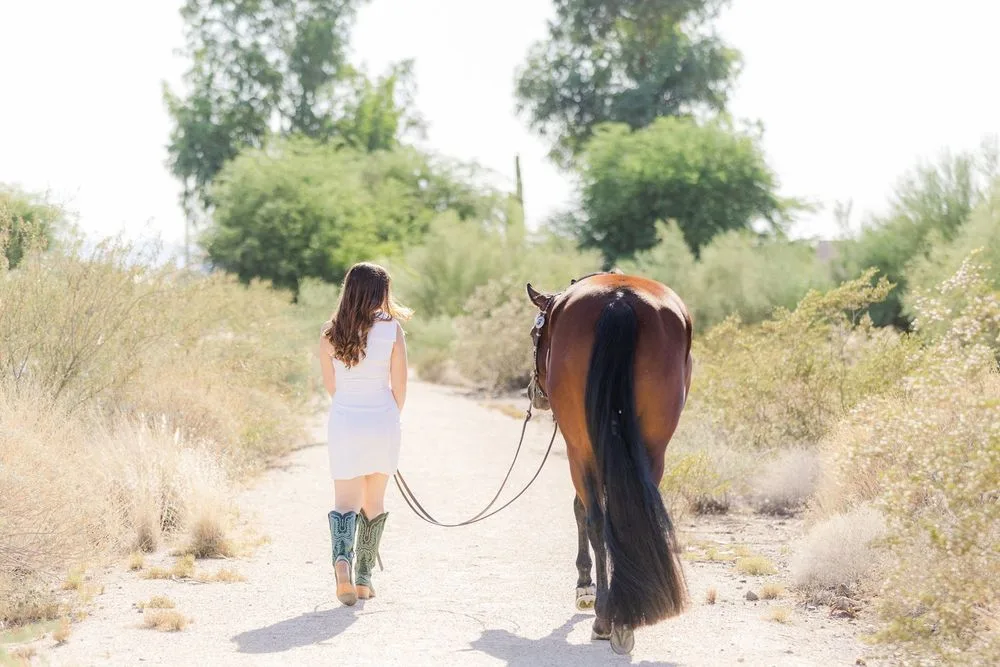
Lower highlights and blue luminance in Camera Raw or Lightroom
The most natural way to recover a bright sky is by adjusting the HSL/Color Mixer panel. Lowering the luminance of blues often darkens the sky effectively without affecting the overall brightness of the image. This method preserves the natural color relationships between the sky and the horse.
- Adjust the Blue Luminance slider gradually to avoid unnatural color shifts.
- Watch for halos around white markings, tack, or the horse's outline.
- Balance the sky darkness with the horse's lighting to maintain realism.
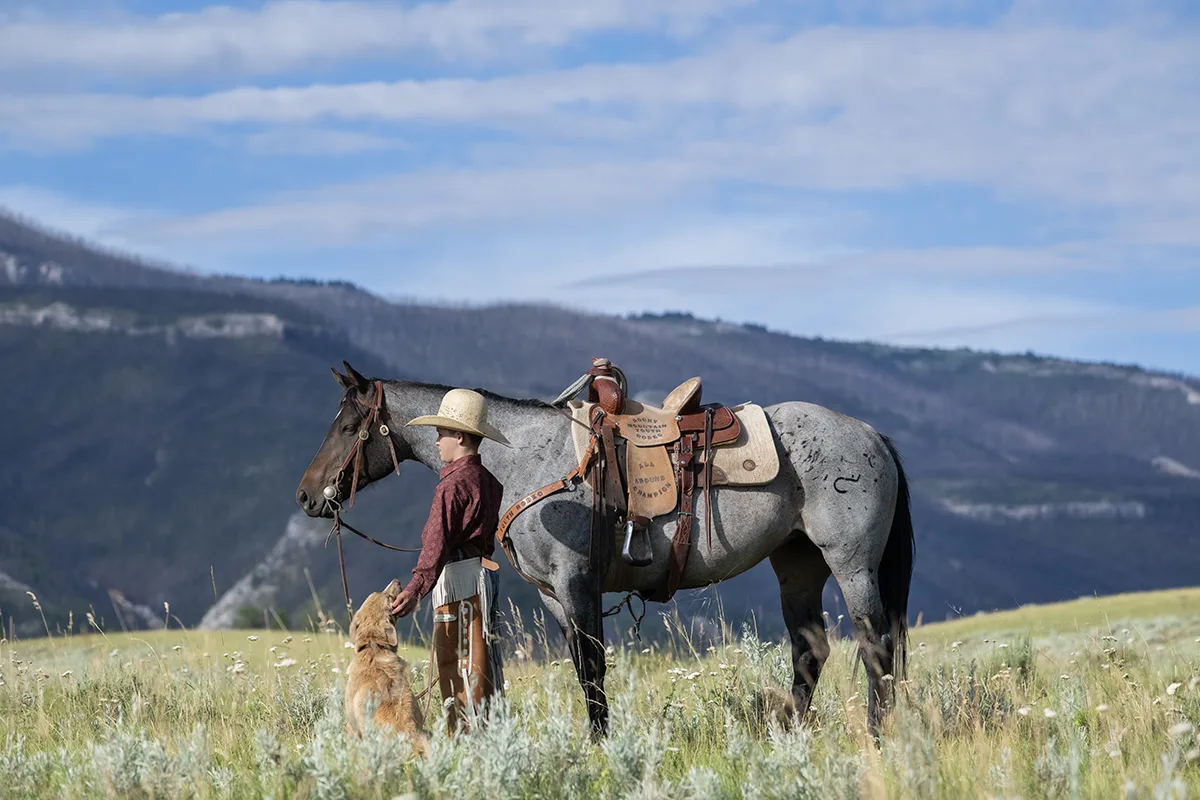
Use a precise sky mask around ears manes and riders
Equine subjects present unique challenges for sky selection due to fine details like flyaway mane hair, ear tips, and thin reins. Automatic sky masks may struggle with these intricate edges. It is crucial to refine the mask manually to ensure the horse isn't accidentally darkened or left with a jagged outline.
- Zoom in to 100% or more to check edge precision around the horse.
- Use the Select Sky tool and refine the feathering for smooth transitions.
- Toggle the mask on and off to compare the edited area against the original.
Replace the sky only when recovery cannot work
If the sky is completely blown out or lacks sufficient data for recovery, sky replacement becomes necessary. When choosing a replacement, prioritize images shot from the same location or session to match perspective, horizon height, and ambient light direction. This ensures the new sky feels integrated rather than pasted on.
- Match the camera angle and lens perspective of the replacement sky.
- Align the color temperature of the new sky with the light falling on the horse.
- Reduce the opacity of the replacement layer slightly to blend it naturally.
Add depth without overprocessing the horse
Once the sky is corrected or replaced, use local adjustments to enhance the overall mood. Tools like NIK Color Efex’s Darken/Lighten Center can draw attention to the horse by subtly darkening the corners and edges of the frame. This technique adds depth and drama without altering the equine subject directly.
- Apply vignetting or center-light effects after major sky corrections.
- Ensure the focus remains on the horse’s expression and posture.
- Avoid over-sharpening or oversaturating the equine details.
Know when a blank sky silhouette or black and white works better
Sometimes, the best solution for a blown-out sky is to embrace it. A stark, bright sky can create a powerful silhouette, isolating the horse and emphasizing its form. Similarly, converting to black and white removes the distraction of color inconsistencies, allowing the viewer to focus on contrast, texture, and emotion. This approach adds drama and depth without needing every pixel in the sky to be perfect.
- Experiment with high-contrast black and white treatments.
- Use the bright sky to create a dramatic silhouette effect.
- Evaluate if simplicity enhances the story better than technical perfection.
Frequently asked questions
What is the first step in recovering a blown-out sky?
Inspect the raw file at full size and use the highlight warning tool to determine if any detail remains in the sky before attempting to lower exposure or luminance.
Which tool is recommended for adding depth to the final image?
The NIK COLLECTION 8, particularly the Color Efex Darken/Lighten Center plugin, is an excellent tool for adding depth and guiding the viewer's eye to the subject.
When should I replace the sky instead of recovering it?
Replace the sky when the original file has no recoverable detail (fully clipped pixels) or when the lighting/perspective of a new sky better matches the mood and direction of the light on the horse.